
Gratiot County Traffic Court Records
65B District Court hears every Gratiot County traffic matter. That includes misdemeanors and civil infractions. It also covers parking citations, informal magistrate hearings, and formal civil-infraction hearings. Its jurisdiction runs countywide, covering Alma, Ithaca, and St. Louis. Once filed, a traffic case becomes a court record. That record is separate from the paper copy in a glove box or any statewide licensing file. Public fields can include the citation or case number. They also cover the violation, the response date, the hearing, the disposition, fines and costs, and payment status.
Begin with the citation and the issuing court. A public case index may return an entry, and the local calendar may list a scheduled event. The official court record stays with 65B. Getting documents or a detailed status check may take a clerk request. The 65B District Court page confirms the court's traffic and civil-infraction jurisdiction.
Gratiot Traffic Docket Paths
Traffic information reaches the public several ways, and each serves a different purpose. MiCOURT Case Search is the statewide public case index. The 65B public calendar gives a date-based view of scheduled public events. The Traffic Division handles local payment and hearing routing. A 65B clerk can confirm a case, citation, or procedure by phone or at the counter. A public terminal fills some gaps. So does the court's record-copy process.
Every path has limits worth knowing. The calendar refreshes about every 30 minutes. It also omits nonpublic matters. A blank view does not mean nothing is happening on a case. MiCOURT is informational only. It never replaces the official record. If a citation has not shown up online, keep the ticket. Honor its response deadline, and call the Traffic Division instead of trusting an absent result.
A calendar entry confirms a public setting. The clerk's file remains the source for the underlying court record.
Looking Up a Traffic Ticket
The citation is the first reference point. MiCOURT can surface public traffic case-index information, and the local 65B Court Display can show a public setting. The Traffic Division routes fine and hearing questions to 989-875-5240. Court Innovations offers a separate review path. It covers qualifying tickets rather than a general public docket. State eTix is another lookup route. It works only where the court participates.
- Read the ticket for its citation number, response date, and the court named on the notice.
- Check MiCOURT for a public case-index entry and select the Gratiot court when the interface offers court selection.
- Use the 65B public calendar to check a scheduled public hearing by date, then verify a time or room with the court if attendance matters.
- For a qualifying online review request, use the official county route to Court Innovations. Use state eTix only if the court makes the ticket available there.
- If no public result appears, call 989-875-5240, visit the 65B counter, or use the court's public terminal and record-request route. The deadline on the citation still controls.
A public ticket search can locate court information. The citation still controls the response deadline.
Gratiot Traffic Ticket Search Fields
Match the search fields to the public court task at hand. A citation or case number is the strongest link. It ties a ticket to a court entry. Name searches often need confirmation through the court, since names are not unique. The calendar helps with a public hearing date. It is not a complete history of filings or results. Keep private credentials and vehicle-identifying details out of any public record summary.
| Public lookup field | Use in a Gratiot traffic search | What to confirm |
|---|---|---|
| Citation or case number | Connects the ticket to the court case when available. | Issuing court and case type. |
| Party name | May help locate a public MiCOURT index result. | Case number and party role. |
| Selected court | Limits a statewide search to the local court. | That 65B is the court handling the ticket. |
| Calendar date | Finds public scheduled events on Court Display. | Time, room, and case number. |
| Case status | Shows a public status when displayed. | The citation and clerk's current record. |
The official Michigan eTix search shows the alternate county and court selection route for participating courts.
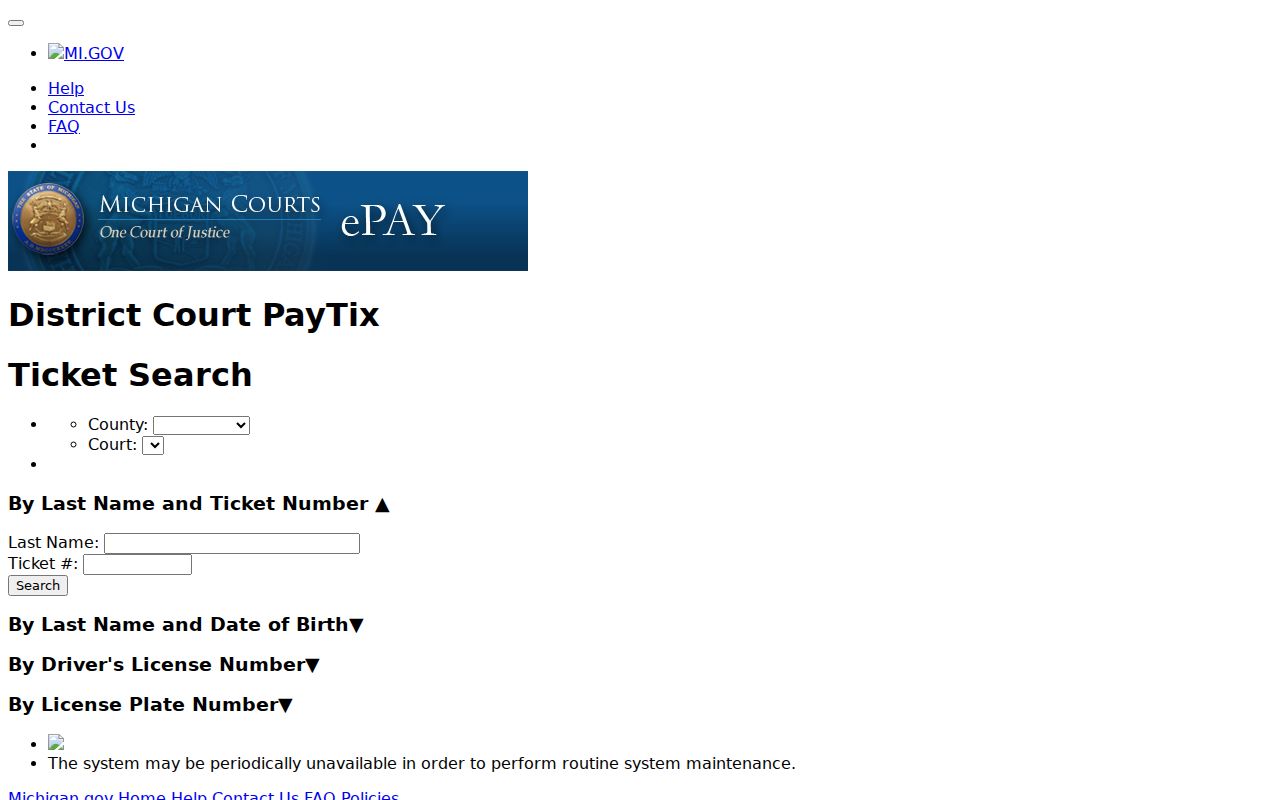
eTix availability varies. A failed online search never extends the court deadline.
How to Find Your Traffic Court Date
The ticket may state a response or appearance date. A public 65B calendar entry can add the selected date, party name, time, room, and case number. Read those values together. Then call the court before making a trip or filing a response that depends on the setting. On the local display, a room marked "Hearing" points to an informal hearing before a magistrate. A setting is one event. It is not a full case history.
| Citation or case number | Use the number printed on the notice or the court case number, such as YEAR-NUMBER-TYPE when MiCOURT displays those parts. |
|---|---|
| Response date | The date on the ticket that controls a payment or hearing response. |
| Public hearing date | The selected calendar date for a public event, if one is listed. |
| Time and room | Calendar details that should be confirmed with 65B if attendance matters. |
| Disposition | A public case outcome or amended-review result when the court displays it. |
For a broader date workflow, turn to the county's Court Dates reference after confirming the matter is a 65B traffic case.
Gratiot Traffic Calendar Timing
65B's Court Display is built for current public settings, not a complete traffic docket. The local Court Calendar page says the display refreshes about every 30 minutes. It also omits nonpublic cases. A change can land after a calendar is viewed. When calling the court, keep the citation and case number handy. That way staff can confirm the current date, time, room, or response path.
The county's 65B Court Calendar explains the live-display route and its public-event limits. A ticket calling for a hearing may be resolved through an informal or formal process, so do not infer the hearing type from a calendar entry alone.
Confirm any public setting with the court before attending. The live display may change after its last refresh.
Pay or Contest a Ticket
Read the notice that came with your ticket first. Gratiot County's official traffic information gives you 14 days to pay, and a mailed payment needs a postmark by day 14. Want to fight it instead? Call 989-875-5240 within those same 14 days and ask for a hearing, as long as the ticket does not require you to appear in person. Paying and requesting a hearing are two different responses to a traffic ticket, so let the citation tell you which path fits your case.
| Pay the ticket | Contest the ticket |
|---|---|
| Use the county's official traffic payment route, mail a permitted check or money order, or use the court's stated local method. | For an eligible no-appearance ticket, call the Traffic Division within the stated period to request a hearing. |
| Use traffic payment location code 6732, not the County Clerk's code. | Follow the citation if a personal appearance is required or if it provides another response direction. |
| Keep the payment confirmation with the citation and court case number. | Confirm any hearing setting with the court because public calendar entries can change. |
Deadline warning: A website failure, an absent eTix result, or an unavailable online route does not extend the deadline printed on the ticket. Use the citation's response instructions and call 65B at 989-875-5240 promptly when the online route does not work.
The official Traffic Division page shows the county's payment and hearing-routing instructions.
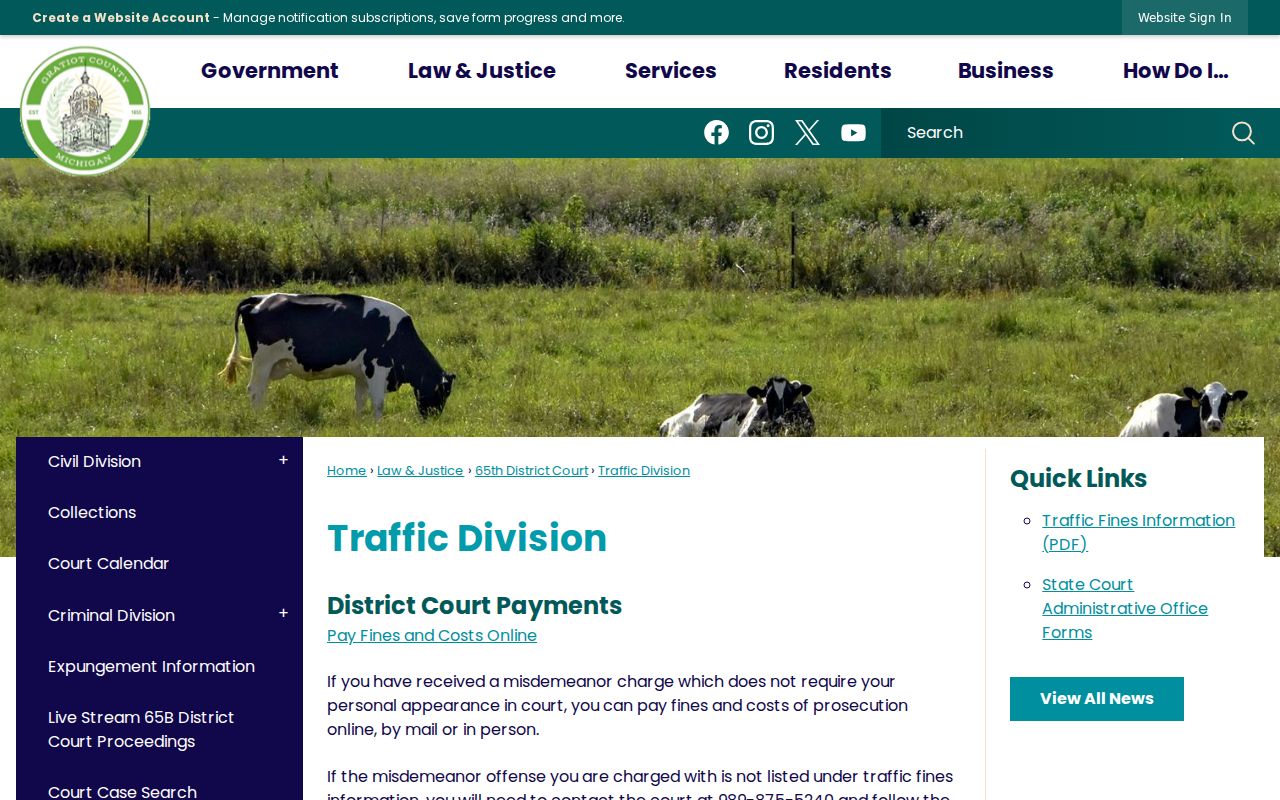
That split keeps things clean. A payment goes one way, a hearing request another, and each deadline response stays tied to the correct court process in Gratiot County.
Gratiot Court Innovations Review
Some 65B traffic tickets from Ithaca qualify for a separate online review or mediation. Court Innovations runs it. Gratiot County runs that route on its own. It is not MiCOURT case search, not the public calendar, and not GovPay. Think of it as a fourth option. If the court and law enforcement find you eligible, an online review can end in an amended outcome. One example is Impeding Traffic with no points. That depends on the program criteria, and no result is promised. The county's Online Ticket Mediation page links straight to the official 65B Court Innovations route.
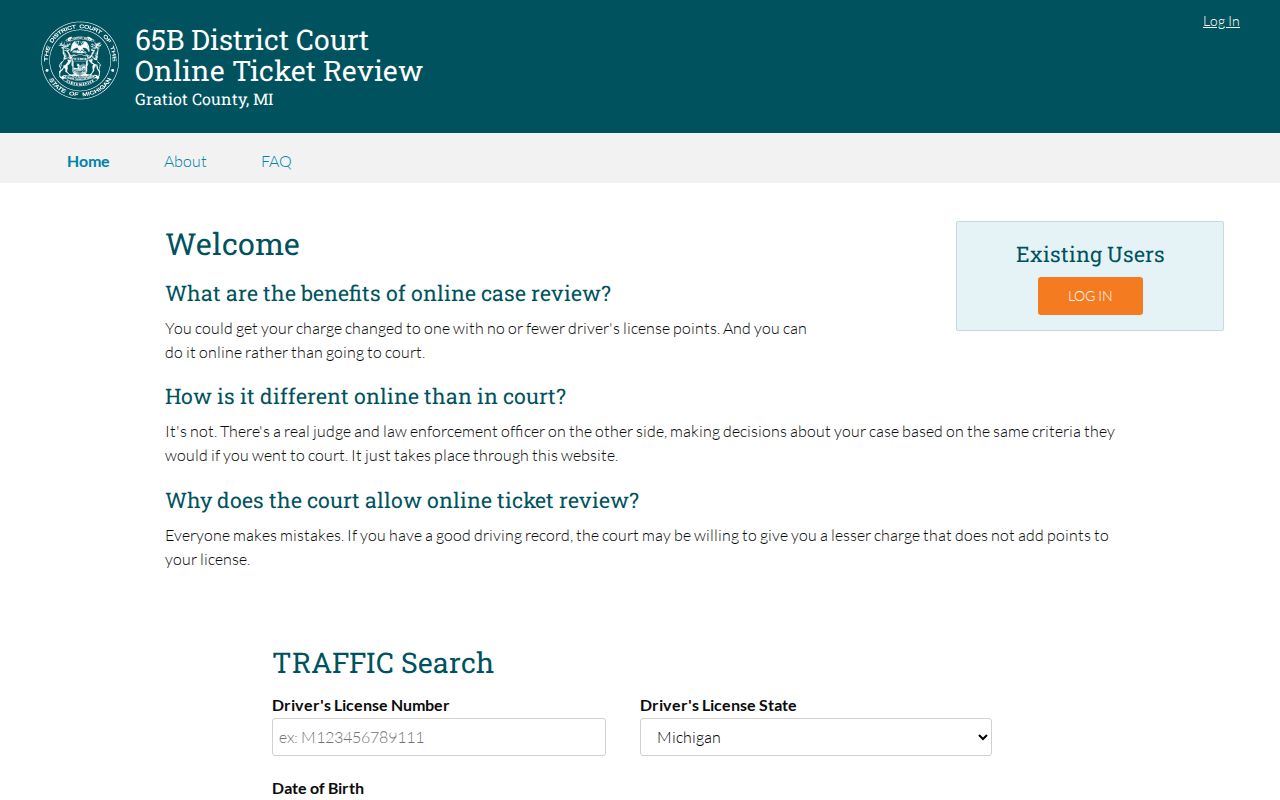
The portal runs its own secure eligibility workflow. While an online request is pending, honor the citation's deadline and keep personal identifiers out of anything public.
Traffic Court Record vs Driving Record
A traffic court file and a driving record are not the same thing. Two different offices hold them. The Gratiot court file shows the citation and how the court handled it. Michigan's licensing agency keeps the driving record. County traffic information says courts report convictions to the Michigan Secretary of State. Yet the court does not control points and does not take matters under advisement. So read a court case entry for its own case status. It is not a full state licensing file.
| Record | Custodian | Public court purpose |
|---|---|---|
| Traffic court record | 65B District Court and its clerk | Citation, case number, hearing, disposition, fines and costs, and public payment status. |
| State driving record | Michigan Secretary of State | A separate state record to which the court reports a conviction. |
The split actually protects what a court docket means. It is the file and court-date record for one citation, not a stand-in for another agency's record.
Note: The court reports a conviction, but the public court case stays separate from the state-held record.
Gratiot Traffic Payment Code 6732
Traffic payments go through GovPay/AllPaid. The location code differs from the County Clerk's. The official traffic information lists PLC 6732 for traffic matters. The County Clerk uses PLC 5159 for its own transactions. Do not mix them up. Enter the route that matches the ticket. Skip the code a circuit clerk matter would use. The payment vendor may add processing charges, and no fixed current amount is published. Confirm the amount on your citation and the current official payment page before you submit anything.
Copies and Fees
Each ticket's fine comes from that ticket itself. The current official traffic information confirms it. A citation deserves a close read. Memory is a poor substitute for the paper in hand. The published court-copy schedule is marked effective October 1, 2026. Recheck it before ordering a plain or certified record. The vendor's online processing charge is not a fixed official amount.
| Item | Published amount | Record note |
|---|---|---|
| Impeding Traffic, MCL 257.676b | $200, 0 points | Official traffic-information example; ticket controls. |
| Stop or signal violation | $130, 3 points | Official example for listed signal-related violations. |
| Following too closely | $125, 2 points | Official traffic-information example. |
| Some lighting violations | $100, 2 points | Use the cited violation and current notice. |
| Plain court-record copy | $1 per page | Published local copy schedule. |
| Certified court-record copy | $10 per document plus $1 per page | Published local copy schedule. |
Note: The traffic amount, payment deadline, and response instructions printed on the individual citation govern whenever they differ from a general example.
Gratiot Traffic Record Copies
Need a public traffic document? Start by pinning down the citation or case number, the exact filing or court product, and whether a plain or certified copy will do. Beyond the online case entry, 65B offers a public terminal, the counter, mail, phone, fax, an email contact route, and its Record/Copy Request process. If a document or status question is still fuzzy, call the Traffic Division at 989-875-5240.
Ask for the record that fits the need. A calendar listing confirms a public setting. A register of actions shows case activity. A certified document carries clerk certification. Fees and access steps can differ by product, and nonpublic or redacted material will not be released with the public portion of the file.